The Top 10 Essential App Categories for Everyday Smartphone Usage
A practical map of the app categories worth having installed, organized by the problem each one solves
Nexovah Staff
27d ago · 8 min read
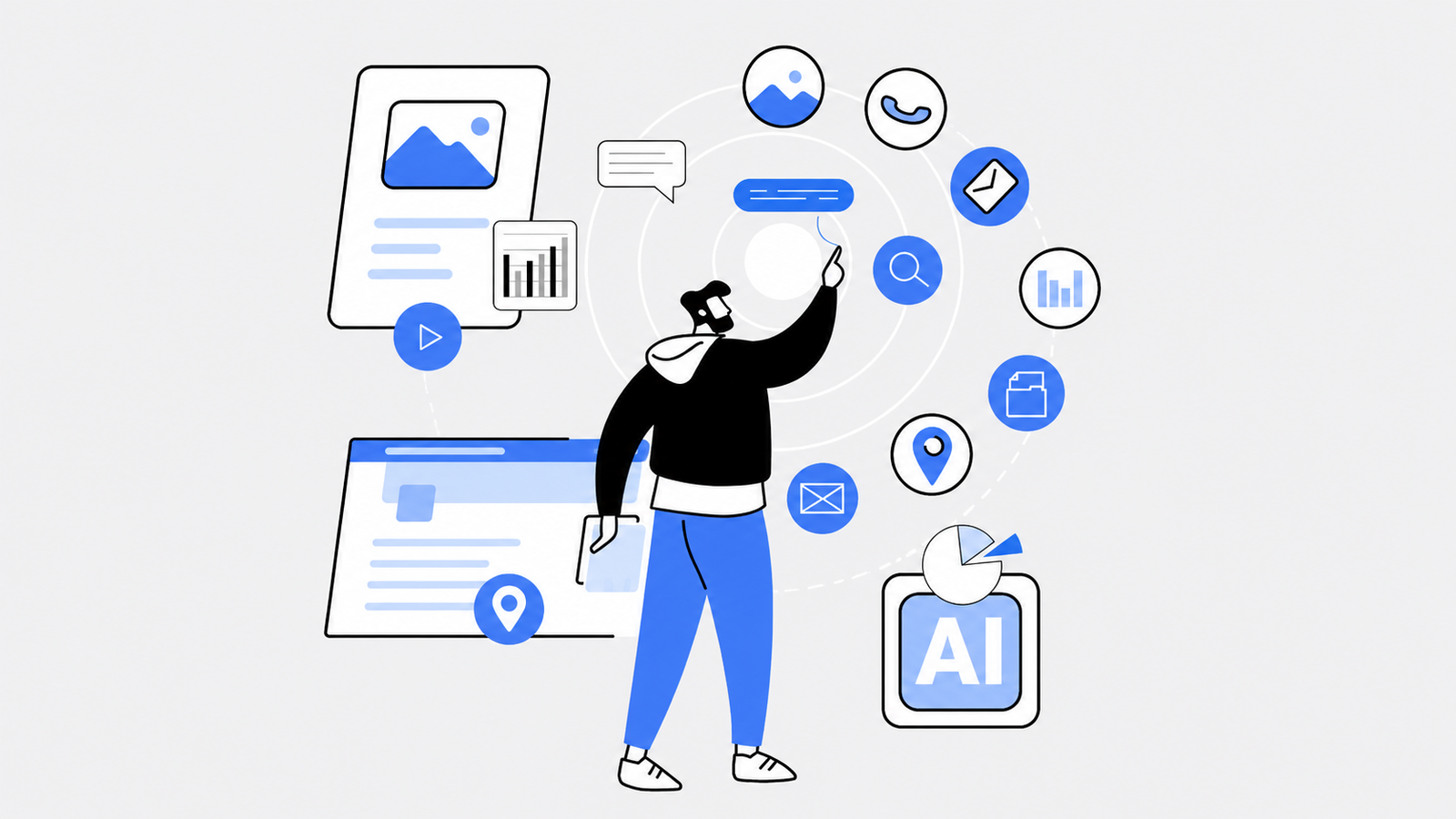
Key Takeaways
- Productivity apps combining task management, notes, and collaboration keep personal and professional life synchronized.
- Health and fitness trackers turn smartphone sensors into a genuine tool for monitoring activity, sleep, and nutrition.
- Finance manager apps provide visibility into spending patterns that most people otherwise never track.
- Personal assistant apps increasingly automate repetitive scheduling and reminder tasks, not just answer questions.
- Photo editing apps have moved from professional-only tools to accessible, mobile-first creative apps.
The Categories That Make a Smartphone Genuinely Useful
Smartphones have become inseparable from daily routines — but their real value comes from the specific categories of apps installed on them. Here are the 10 categories worth prioritizing.
1. Productivity
Task management, note-taking, and collaboration combined into one tool keeps personal and professional responsibilities synchronized across devices, with real-time updates and shared visibility for teams.
2. Health and Fitness Tracking
Comprehensive trackers monitor physical activity, sleep, and nutrition, setting goals and providing personalized insights that turn a phone's sensors into an actual wellness tool.
3. News Aggregation
Personalized news feeds, curated by topic and source preference, keep users informed without needing to check multiple individual outlets.
4. Language Learning
Interactive lessons, vocabulary exercises, and conversation practice with progress tracking make language learning genuinely accessible from a phone, at any skill level.
5. Finance Management
Expense tracking, budget management, and spending insights give users visibility into financial habits that most people otherwise never actually track.
6. Travel Companion Tools
Flight and hotel booking, real-time itinerary updates, and city guides consolidate the entire trip-planning process into one place.
7. Entertainment
Streaming access to movies, TV, music, and podcasts with personalized recommendations remains one of the highest-engagement categories on any smartphone.
8. Photo Editing
Mobile photo editing tools now offer professional-grade adjustment, retouching, and creative effects — no longer requiring desktop software for high-quality results.
10. Personal Assistant
Virtual assistants now handle scheduling, reminders, and task organization with increasing automation — learning user habits over time to reduce manual input.
Building a Smartphone That Actually Works for You
The right combination of these ten categories — not necessarily the most apps, but the right ones — is what turns a smartphone from a distraction device into a genuine productivity and lifestyle tool.
FAQ
Productivity apps that combine task management, note-taking, and collaboration in one tool tend to have the biggest impact, since they keep both personal and professional responsibilities synchronized.
Published in The Nexovah Blog
Written by Nexovah Staff


9. Social Media Management
Centralized tools for posting, engaging, and tracking performance across multiple social platforms simplify what would otherwise mean juggling several separate apps.