CMS Explained: The Backbone of Modern Websites and Online Success
From WordPress to Shopify — understanding the software layer that runs most of the modern web
Nexovah Staff
27d ago · 10 min read
Key Takeaways
- A CMS separates content management from code, letting non-technical users create and publish without touching HTML.
- CMS platforms centralize content, media, and workflow into one dashboard instead of scattered static files.
- Role-based access control lets teams assign specific editing and publishing permissions by user.
- CMS success is measurable — traffic, engagement, content performance, SEO visibility, and conversion rate all track it directly.
- The right CMS choice depends on your content complexity, team size, and integration needs, not just brand popularity.
Why the CMS Layer Matters
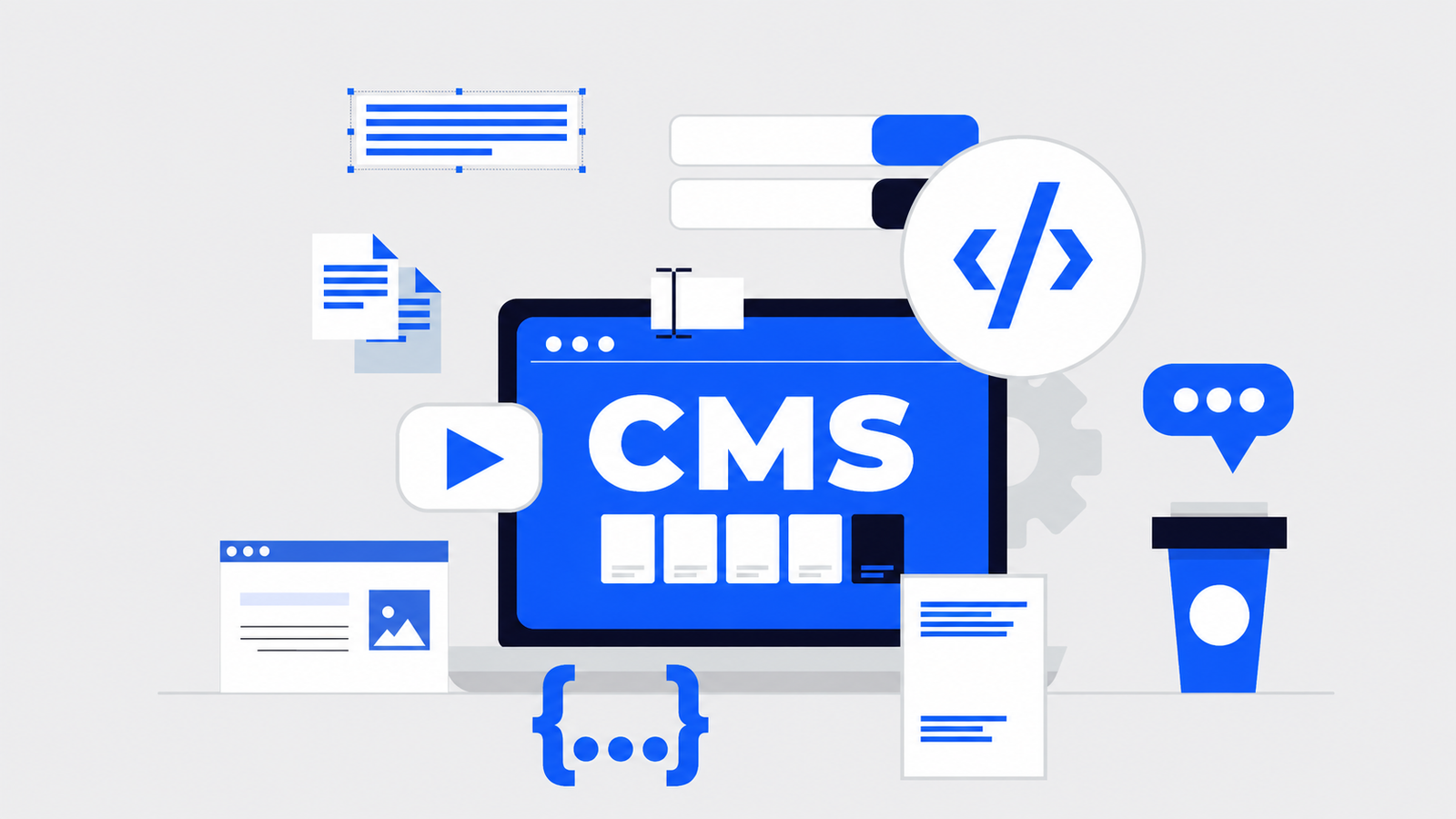
A content management system is the software layer that lets businesses create, edit, and publish website content without needing to write code for every change. It's the difference between a static site that requires a developer for every text edit, and a dynamic one a marketing team can update independently.
What Is a Content Management System?
A CMS provides a user-friendly interface and toolset for managing text, images, video, and documents — enabling multiple users to collaborate, update content consistently, and maintain a unified brand look across every page.
Core Benefits of a CMS
- Ease of use — WYSIWYG editors let non-technical users create and edit content directly
- Centralized management — one dashboard for pages, posts, media, and comments
- Collaboration and workflow — role-based permissions support proper review and approval
- Scalability — add content, features, and integrations without a full rebuild
- Consistent branding — shared templates keep design uniform across every page
CMS Website vs. Static Website
A static website is built from fixed HTML/CSS files requiring manual coding for every update. A CMS website stores content in a database and renders it dynamically through templates — giving non-technical users direct control without ever touching code.
Popular CMS Platforms
| Platform | Best For |
|---|---|
| WordPress | Blogs to full ecommerce, largest plugin ecosystem |
| Shopify / Magento | Dedicated ecommerce storefronts |
| Drupal | Large-scale, enterprise, security-focused sites |
| Squarespace / Wix | Design-forward sites for small businesses and creatives |
| Ghost | Minimalist, distraction-free blogging |
Technologies a CMS Should Support
A capable CMS should integrate with a database management system, support core web technologies (HTML, CSS, JavaScript), expose APIs for third-party integrations like payment or email tools, and connect to cloud services for scalable, secure media storage.
How to Measure CMS Success
- Website traffic — visitors, page views, and behavior via analytics tools
- Engagement metrics — time on site, bounce rate, conversion rate
- Content performance — views, shares, and comments per piece of content
- SEO performance — search rankings, organic traffic, keyword visibility
- Conversion rate — form submissions, sign-ups, and purchases
Is Your CMS SEO-Friendly?
SEO-friendliness depends on clean, optimized code output, customizable URL structures, robust metadata management, and support for SEO plugins or modules. Choosing a CMS without these fundamentals makes every future SEO effort harder than it needs to be.
Choosing the Right CMS
The right CMS depends on your content complexity, team size, and required integrations — not brand recognition alone. Get that choice right, and the CMS becomes the backbone that lets your team move fast without needing a developer for every content change.
FAQ
A CMS lets non-technical users create, edit, and publish content directly through a dashboard, without needing a developer to touch code for every update — unlike a static site built from fixed HTML/CSS files.
Published in The Nexovah Blog
Written by Nexovah Staff